Call for a Free Trial

How to Use the iClassPro Parent Portal & App

Manage Your Swim Lessons in One Easy Place

View Schedules
& Register
Submit
Absences
Request Make-up Tokens
Get Updates & Announcements
iClassPro Mobile App

Download on your device today to schedule your swimming lessons easily from your phone.


See the App in Action

A quick walkthrough to help you view schedules, report absences, book make-ups, and stay connected.

Emler Parent
Portal APP
AQUAFIN Parent Portal App
How to download
the app:
How to select a
make-up class:

Using the ICP App

Need a little help navigating the iClassPro Mobile App? See below for instructions on how to get started, schedule a class, mark a swimmer absent, or schedule a make-up class.

  • Open the App Store (iPhone) or Google Play (Android)
  • Search for iClassPro
  • Tap Install
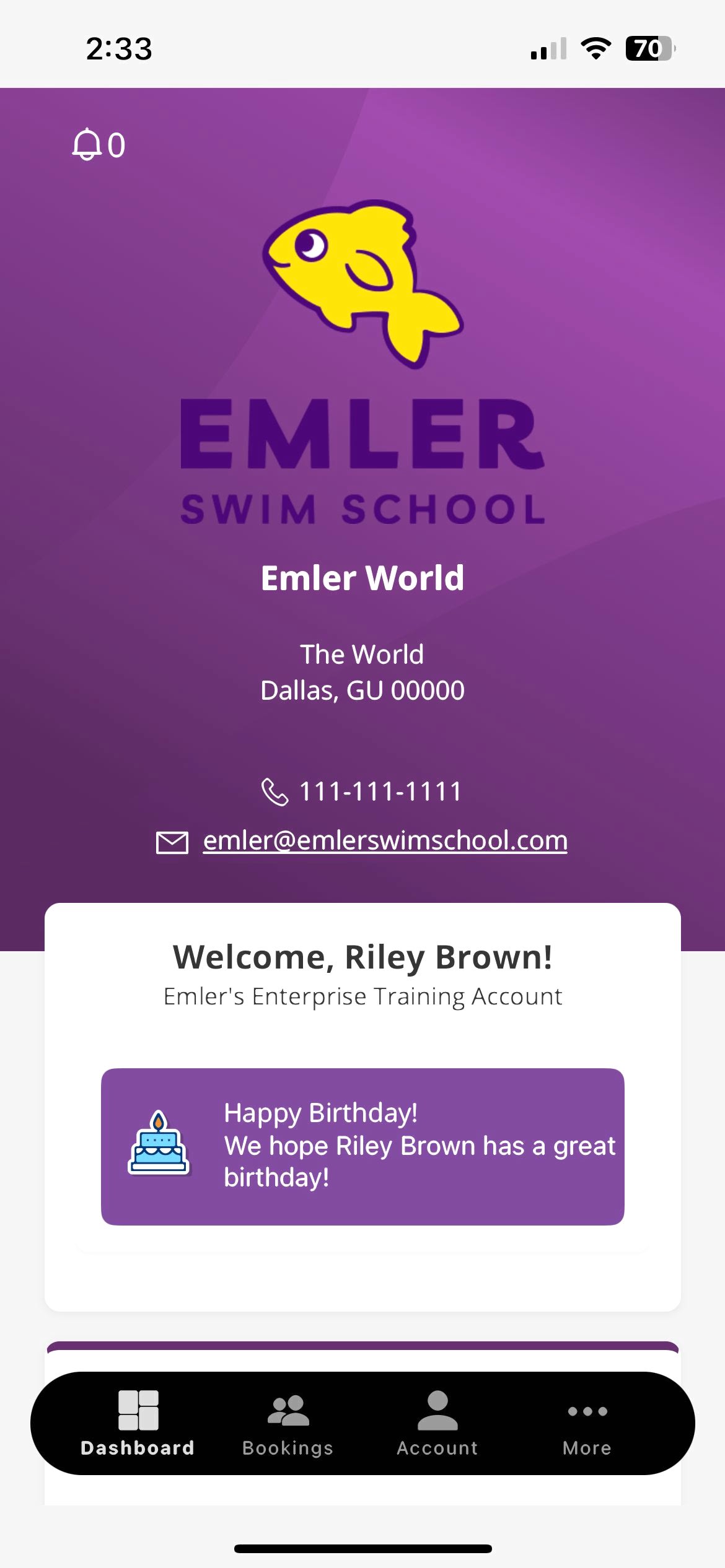
  • Open the app and tap Select Organization
  • Enter your school’s code from the list below
  • Log in using the email associated with your Emler Swim School account
  • New user? Tap Forgot Password to set one up


Organization Codes:

  • Emleraustin
  • Emlercolorado
  • DFW:
          • Walnut Hill/Preston Forest: Emlerdallas
          • Allen, Firewheel, Frisco, Plano, West Frisco: Emlerdfw1
          • Flower Mound, Ft. Worth, Southlake: Emlerdfw2
  • Emlerhouston
  • Emlerkansas
  • Emlermilwaukee
  • Emlernorthwest
  • Emlersanantonio
  • Saintstreetswim
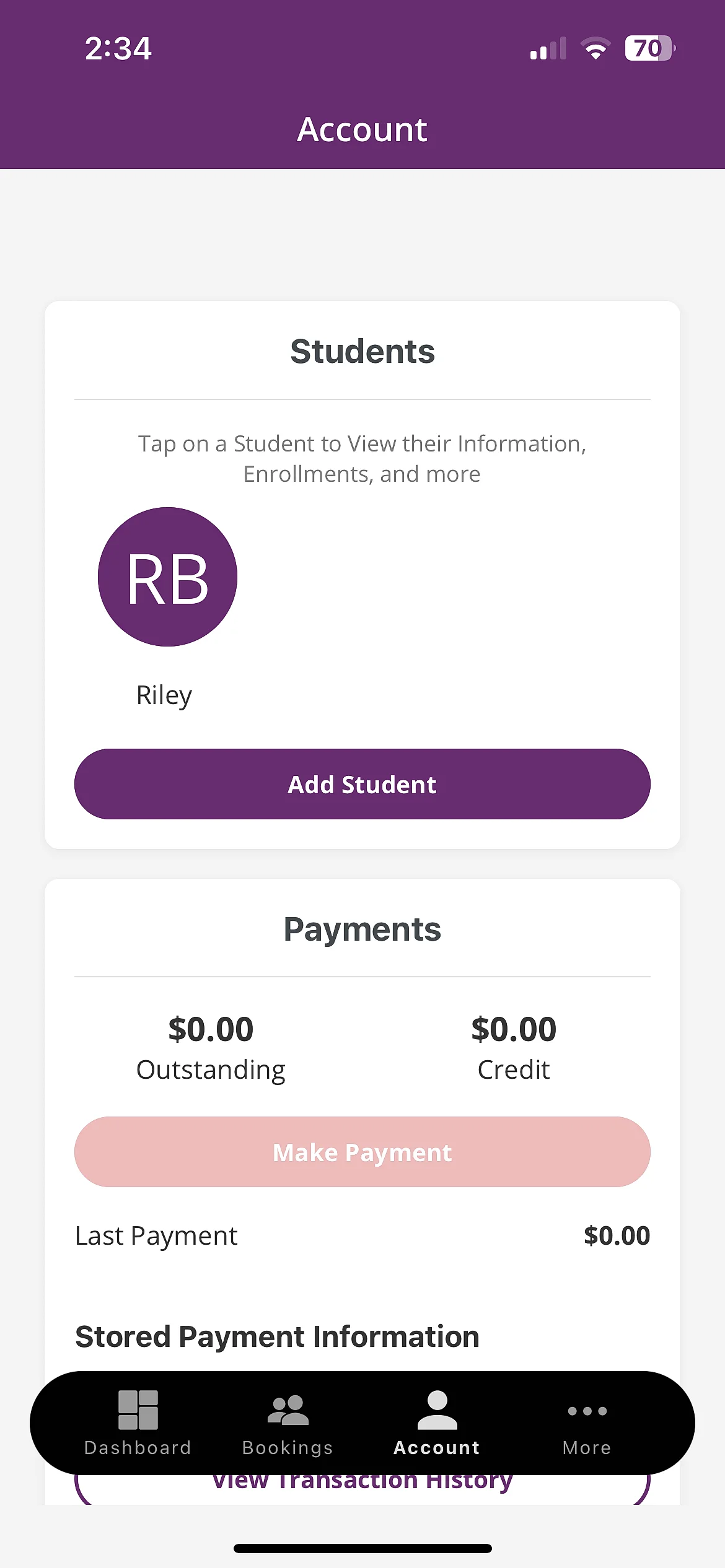
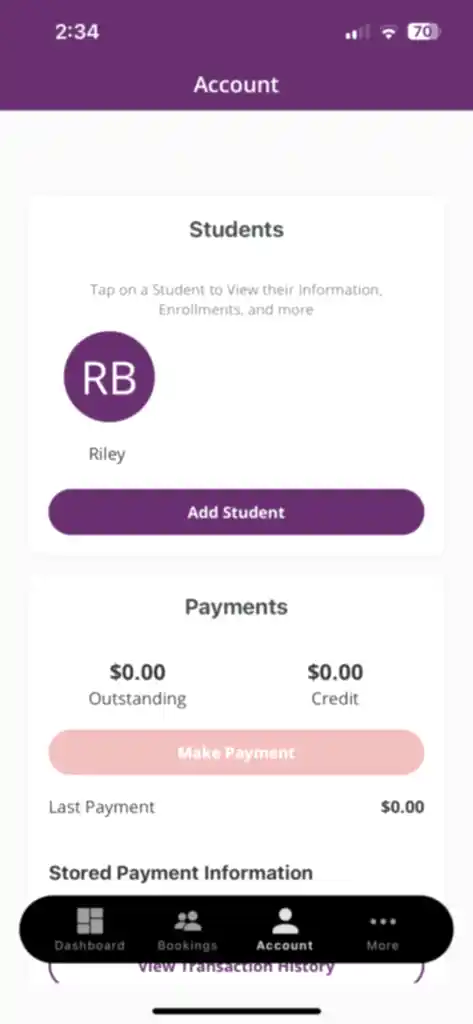
  1. Tap Account at the bottom of the screen
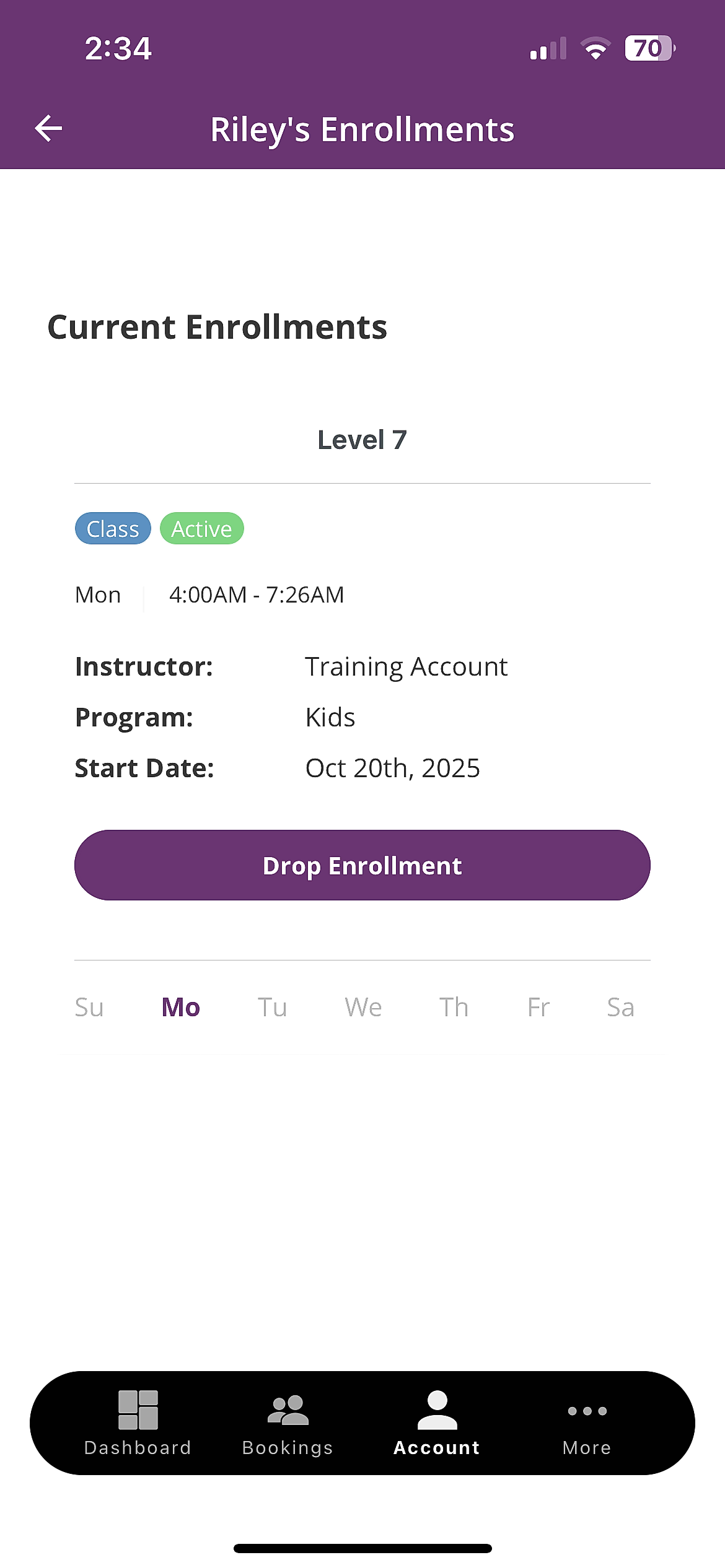
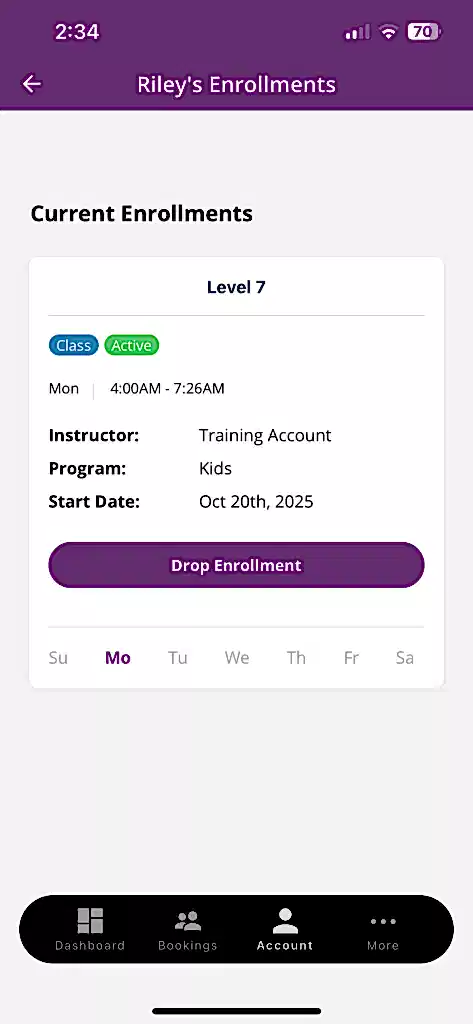
  2. Tap your child’s name to view their Enrollments, including class day, time, and instructor
  3. Tap any enrollment for more details
  4. Tip: If you don’t see your swimmer listed, make sure you’re logged in with the same email tied to your Aqua Wave Swim School account
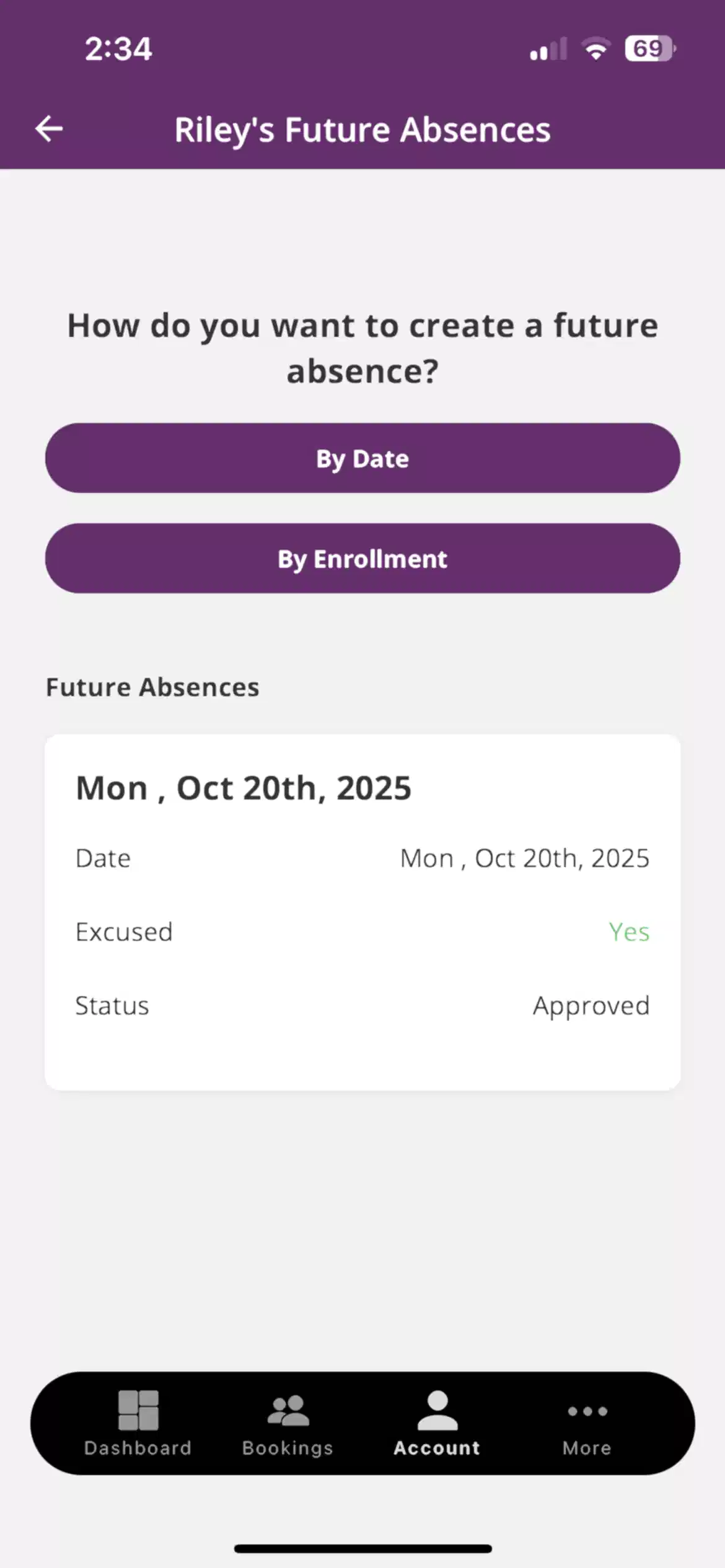
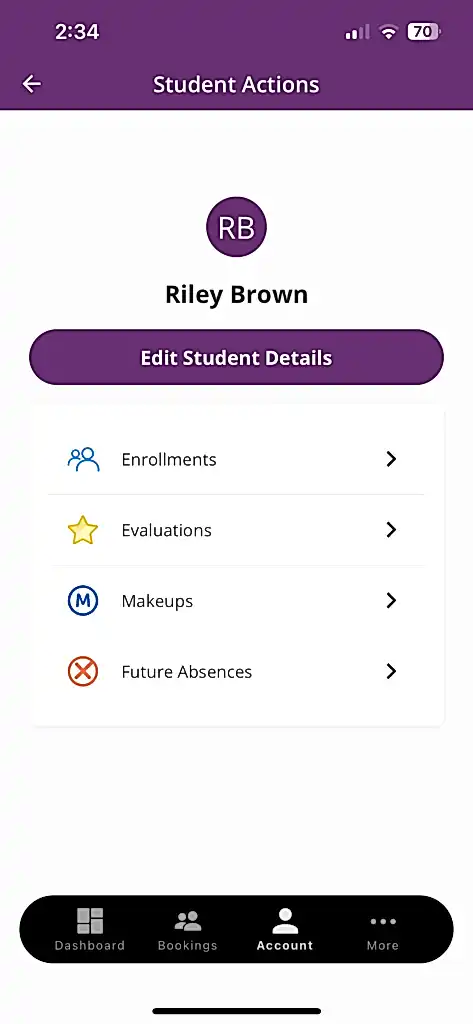
  1. Tap Account at the bottom of the screen
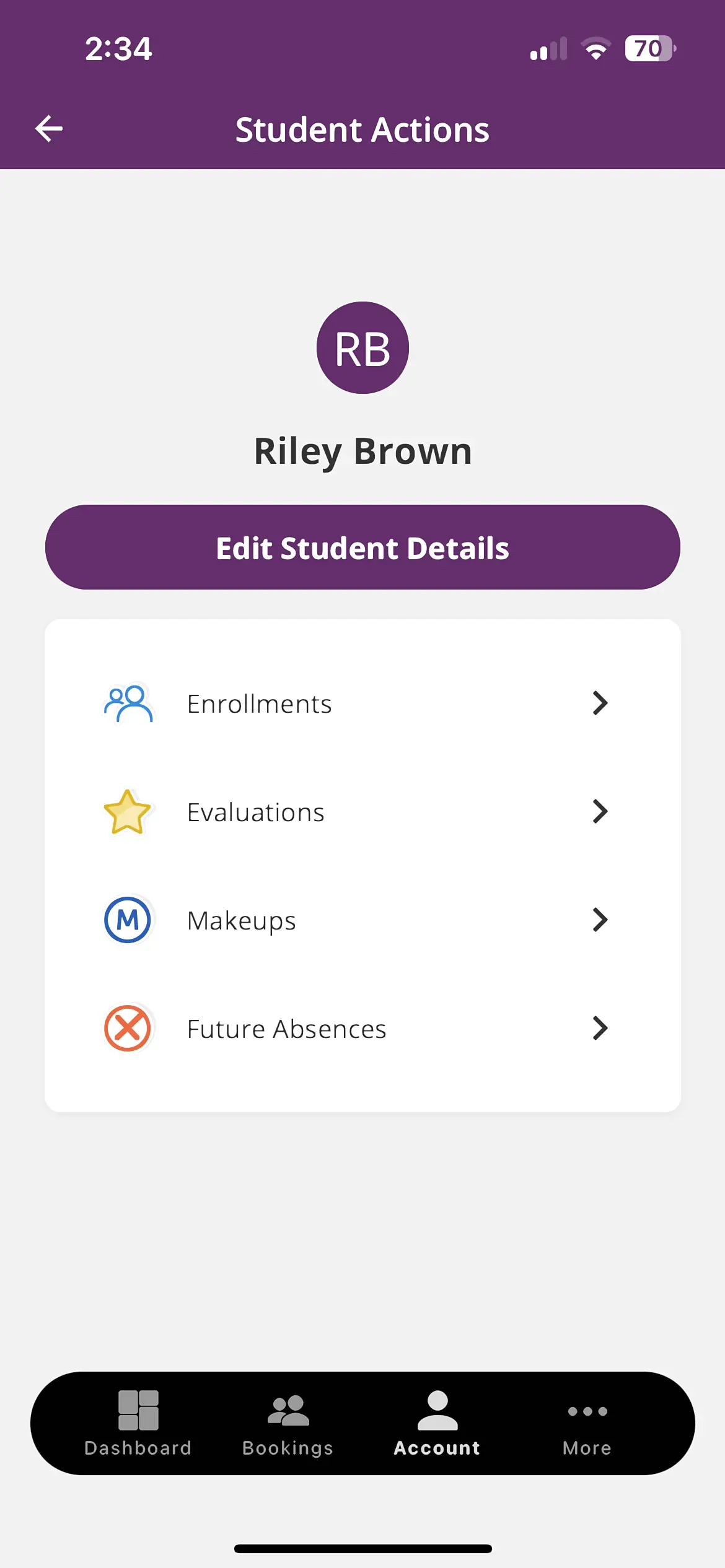
  2. Tap your child’s name
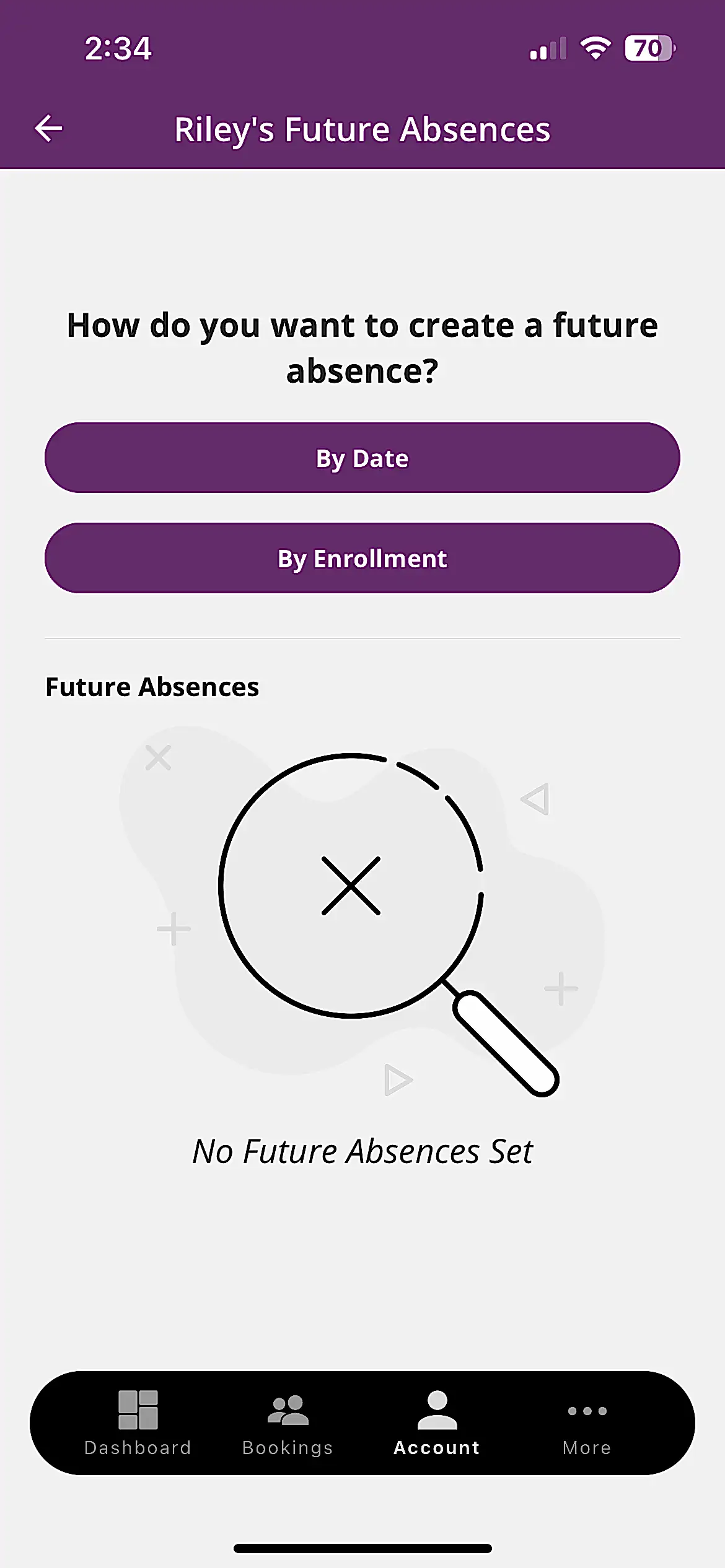
  3. Tap Future Absences
  4. Choose how you’d like to create the absence:
    1. By Date – select the date(s) your swimmer will miss
    2. By Enrollment – choose from their current class schedule
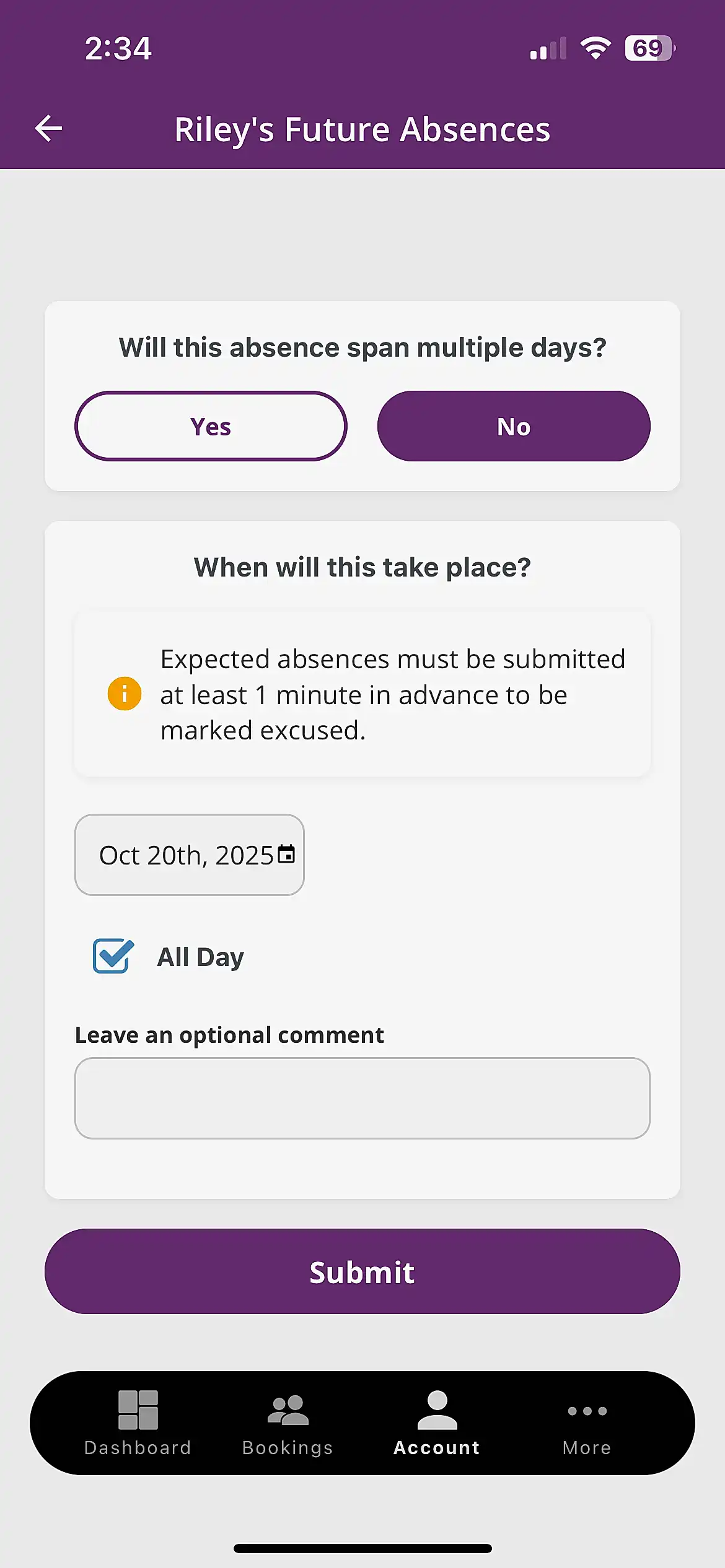
    3. If the absence spans multiple days, select Yes or No depending on the number of days 
    4. Pick your date(s) and, if you’d like, add a short note or comment
    5. Tap Submit to finalize
    6. Note: Absences must be submitted at least one day in advance to qualify for a makeup. Once approved, your Makeup Token will be visible under the Makeup tab.
  1. Tap Account at the bottom of the screen
  2. Tap your child’s name
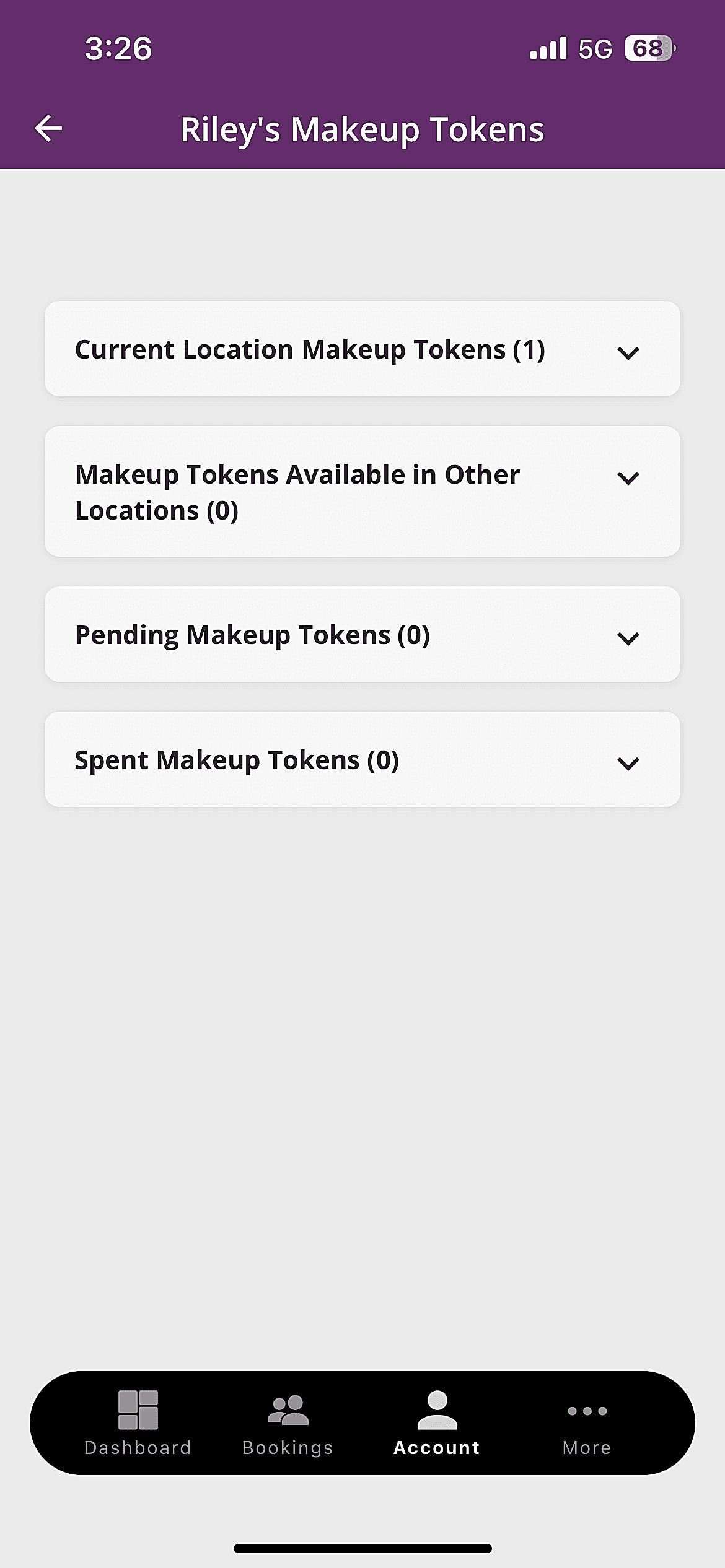
  3. Tap Makeup Tokens
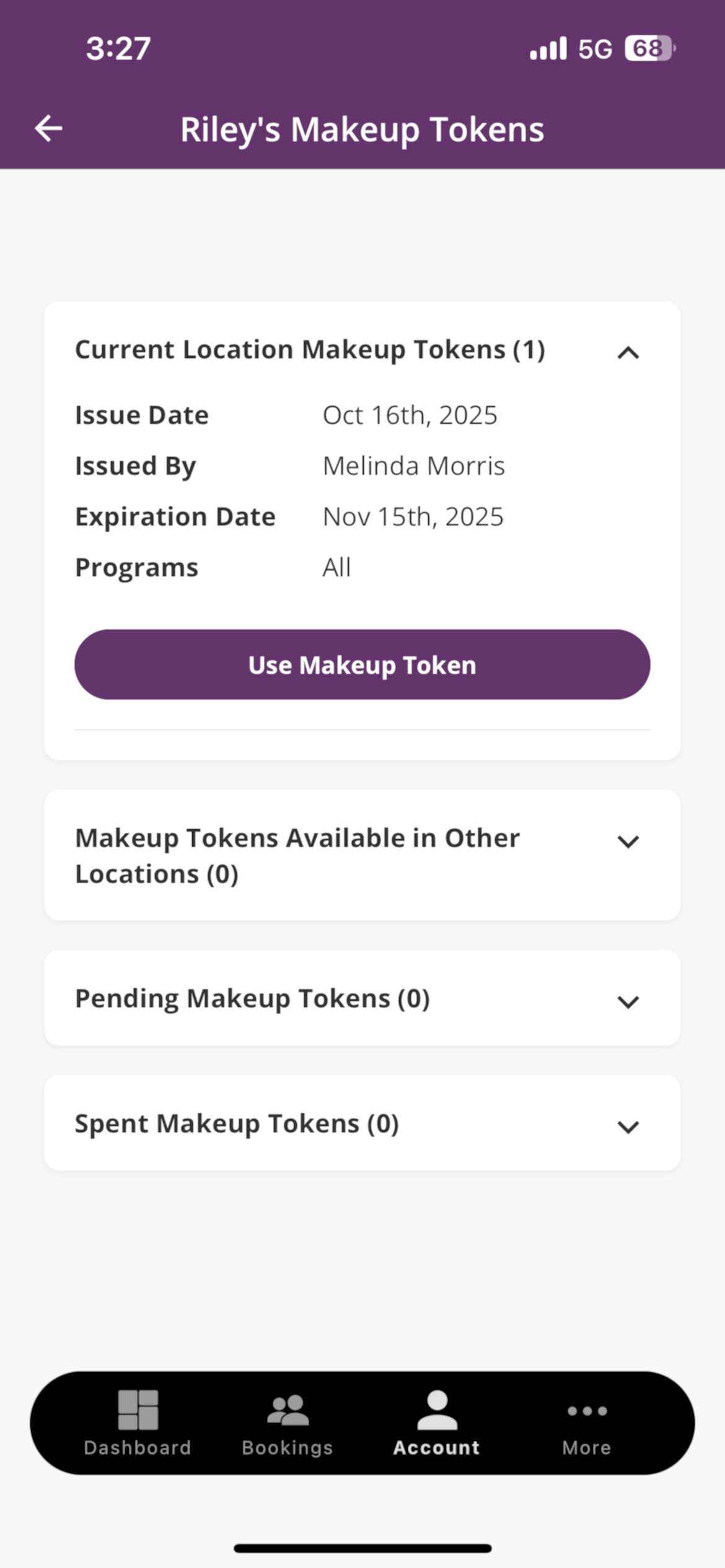
  4. You’ll see your available tokens listed under Current Location Makeup Tokens (or in Other Locations if applicable)
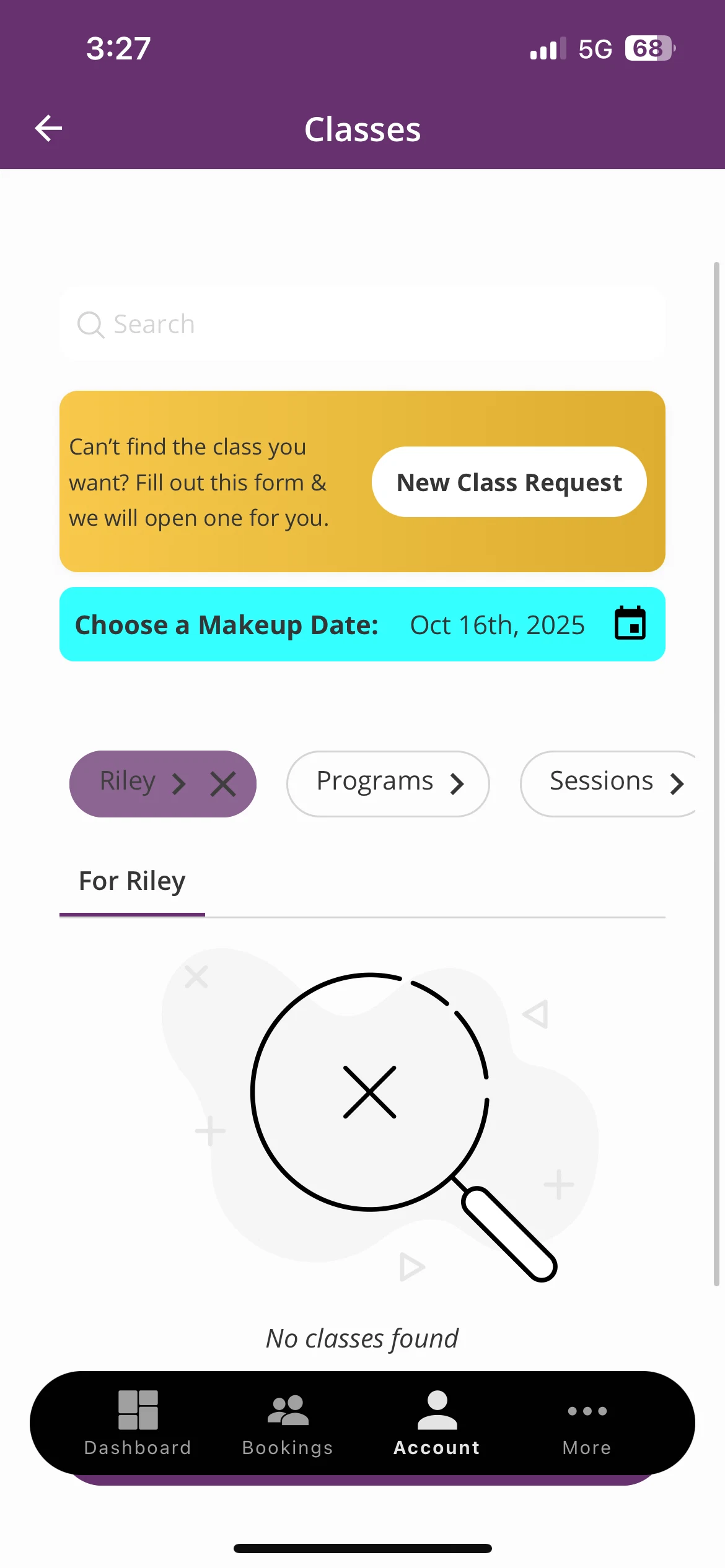
  5. Tap Use Token next to an active token
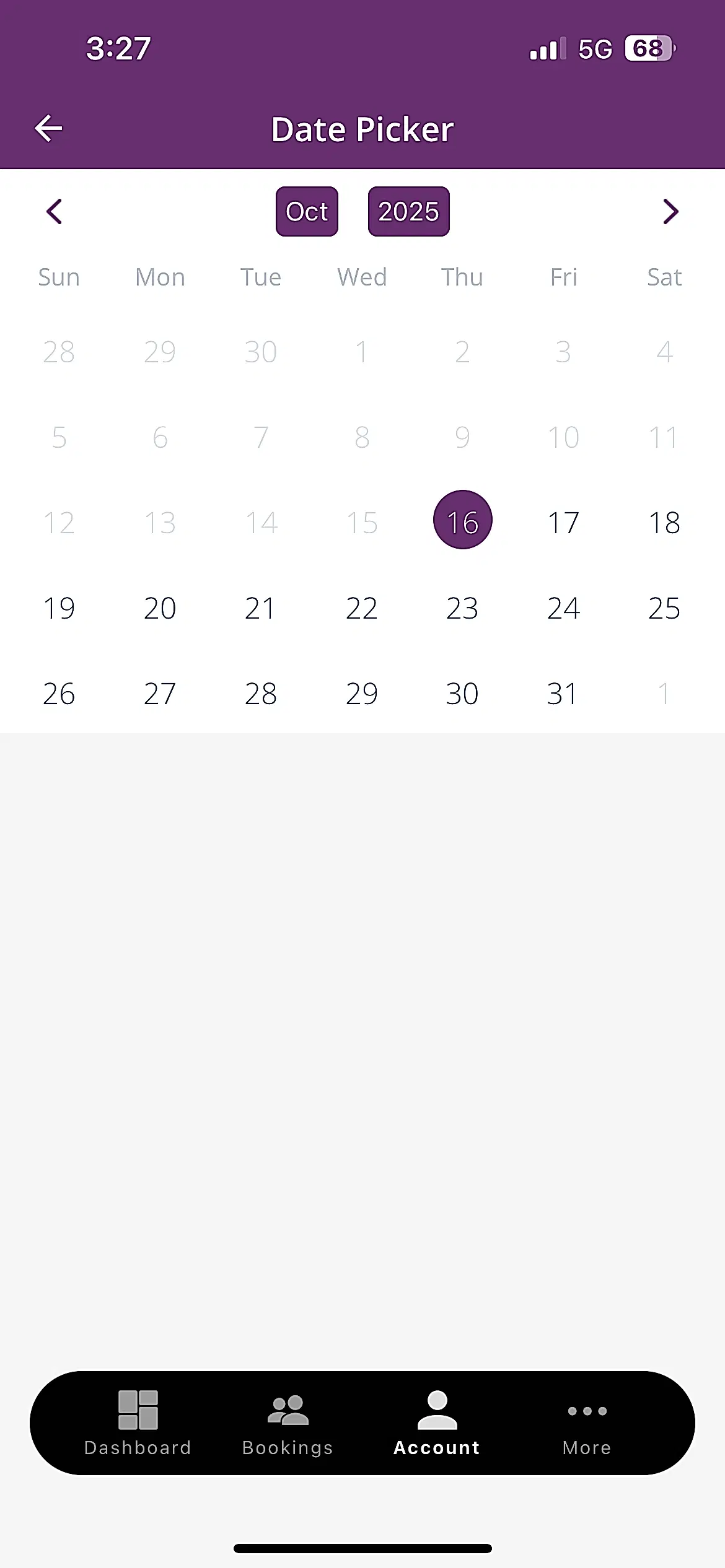
  6. Browse available classes and select your preferred day and time
    1. Makeup classes can be scheduled up to 6 days in advance
  7. Tap Submit to confirm your makeup lesson
  8. Tip: Makeup tokens are issued only after an approved absence (if your school offers makeups). Tokens expire 45 days after being issued, so be sure to schedule your makeup soon.

Emler Swim School Customer Portal – Manage Your Swim Lessons

Emler Swim School’s customer portal makes it easy for parents to stay connected to their child’s swimming journey. Log in anytime to manage swim lesson schedules, update account information, and track your child’s progress through our proven SwimSure™ curriculum.

Our secure, user-friendly platform gives families convenient access to everything they need, from class details to important updates, all in one place.

×
Enter Your ZIP Code